STAT1003 – Statistical Techniques
Dr. Emi Tanaka
Australian National University
These slides are best viewed on a modern browser like Google Chrome on a desktop or laptop. Some interactive components may require some time to fully load.
Bivariate data involves two different variables (\(x\) and \(y\)) for each observation.
| Categorical | Numerical | |
|---|---|---|
| Categorical |
|
|
| Numerical |
|
|
A contingency table (also known as a cross-tabulation or crosstab) display the frequency distribution of two or more categorical variables.
What do you notice between these two approaches?
A stacked barplot is used to compare the composition of different groups in a dataset, especially contribution of sub-categories to the total within each main category.
A percent stacked barplot is ideal for comparing the relative frequencies of subgroups within categories, rather than their absolute counts.
A side-by-side barplot (also called a grouped barplot) is used to visually compare the values of different subgroups across categories.
For a bivariate data where one variable is numerical and the other is categorical, you can use summary statistics for univariate data for each group.
Beeswarm plot is a type of scatterplot that shows the distribution of data points while avoiding overlap, making it easier to visualize the density and spread of the data.
A dataset was collected to investigate morphological characteristics associated with seed weight in a line of diploid wheat (Triticum monococcum).
DSeed - identifier for each seedWeight - weight of seed (mg)Length - length of seed (mm)Diameter - diameter of seed (mm)Moisture - mositure content of seed (as a percentage)Hardness - endosperm hardnessA scatterplot is a graphical representation that displays the relationship between two numerical variables by plotting individual data points on a two-dimensional graph.
Sample covariance is a measure of how much two numerical variables change together.
\[ s_{xy}=\frac{1}{n-1} \sum_{i=1}^{n}\left(x_{i}-\bar{x}\right)\left(y_{i}-\bar{y}\right) \]
Consider the following dataset with two variables, \(x\) and \(y\):
| \(i\) | \(x\) | \(y\) |
|---|---|---|
| 1 | 1 | 10 |
| 2 | 2 | 70 |
| 3 | 3 | 100 |
\[s_{xy} = \frac{1}{2}\left[(1-2)(10-60)+(2-2)(70-60)+(3-2)(100-60)\right]=45\]
\[r = \frac{\sum_{i=1}^n(x_i-\bar{x})(y_i - \bar{y})}{\sqrt{\sum_{i=1}^n(x_i - \bar{x})^2\sum_{i=1}^n(y_i - \bar{y})^2}}\]
| \(|r|\) | Interpretation |
|---|---|
| 0.8 - 1.0 | Very strong association |
| 0.6 - 0.8 | Strong association |
| 0.4 - 0.6 | Moderate association |
| 0.2 - 0.4 | Weak association |
| 0.0 - 0.2 | Very weak association |

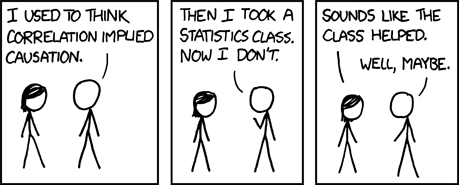
Source: xkcd
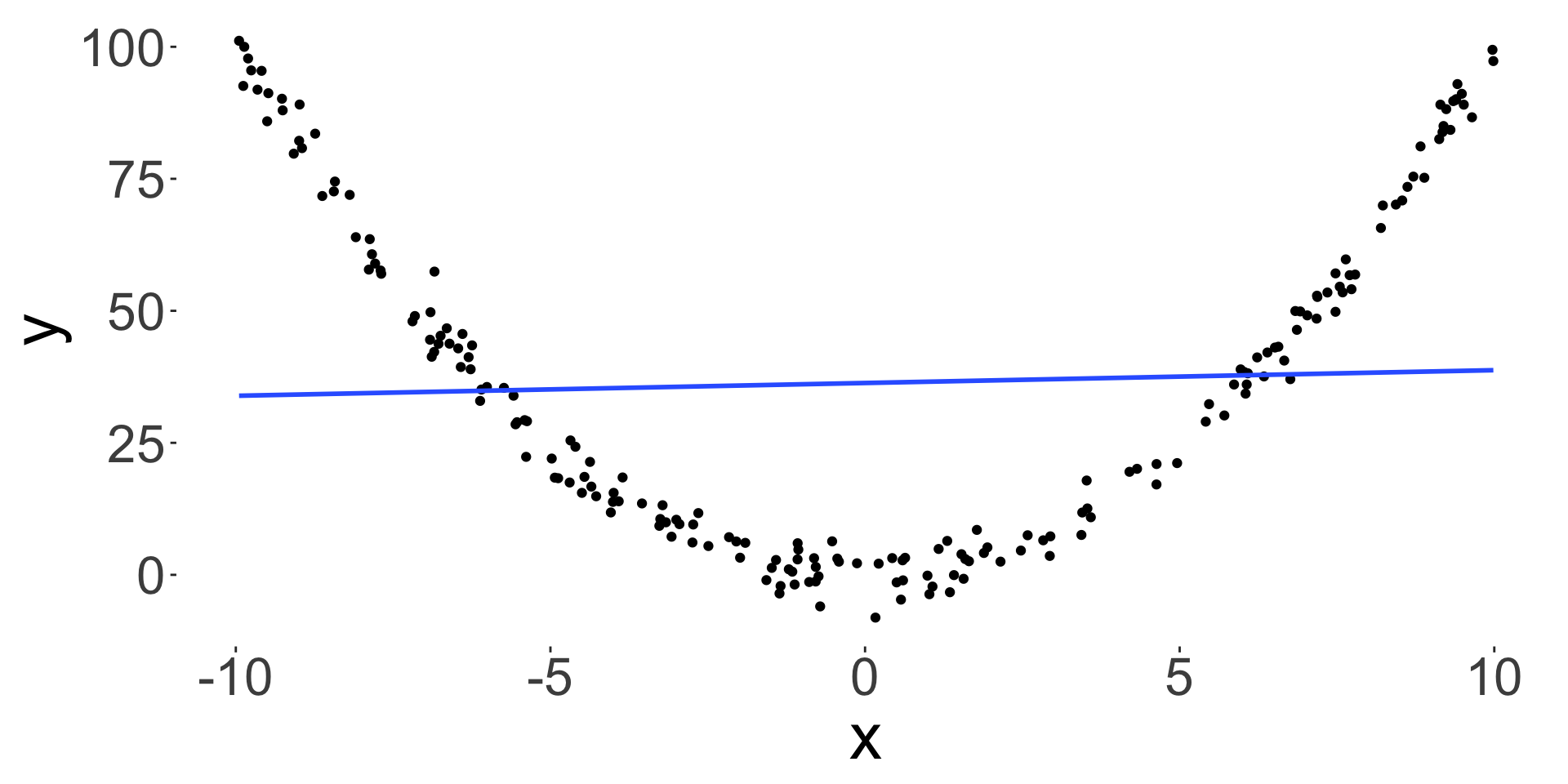
Just because \(x\) and \(y\) are highly correlated, it does not mean that \(x\) causes \(y\) or vice versa – correlation is not causation!

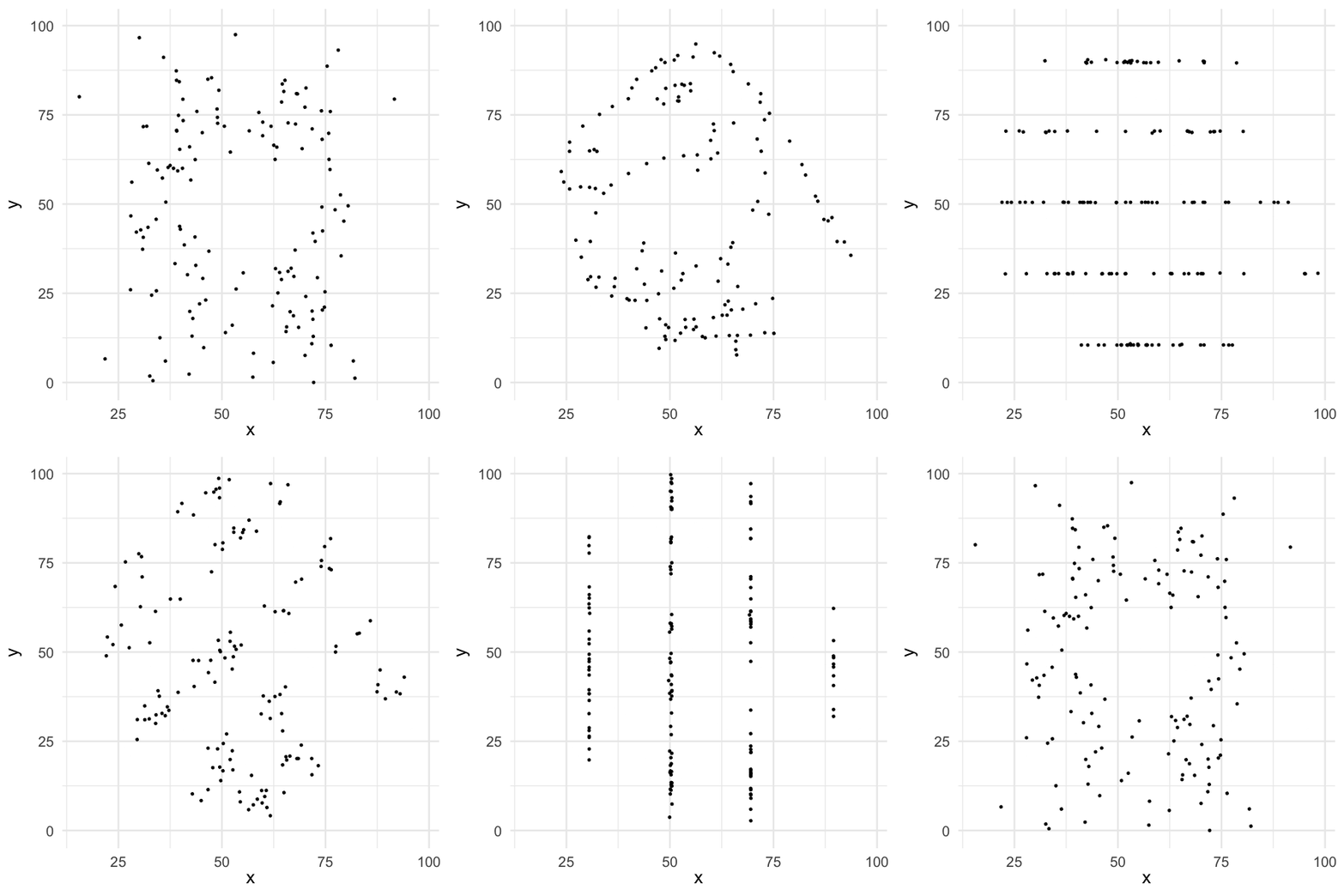
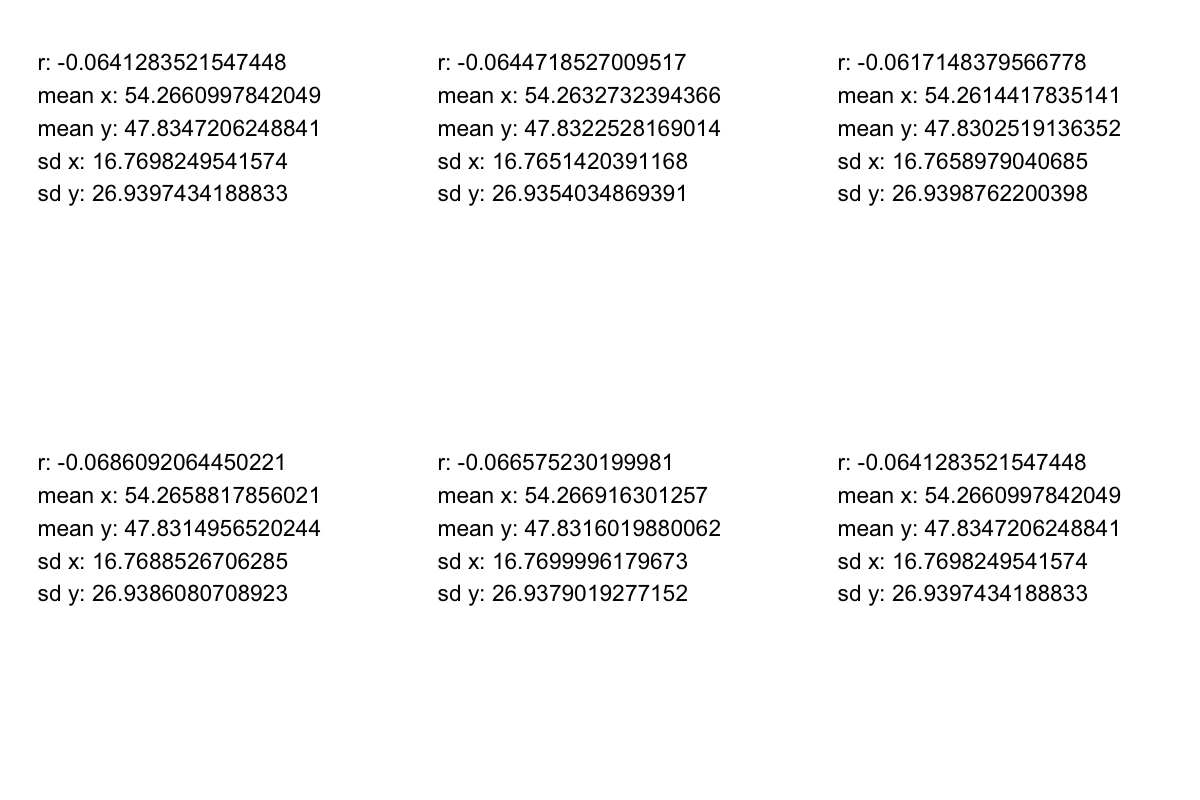
\[r = 0.0465043\]


| Categorical | Numerical | |
|---|---|---|
| Categorical |
|
|
| Numerical |
|
|
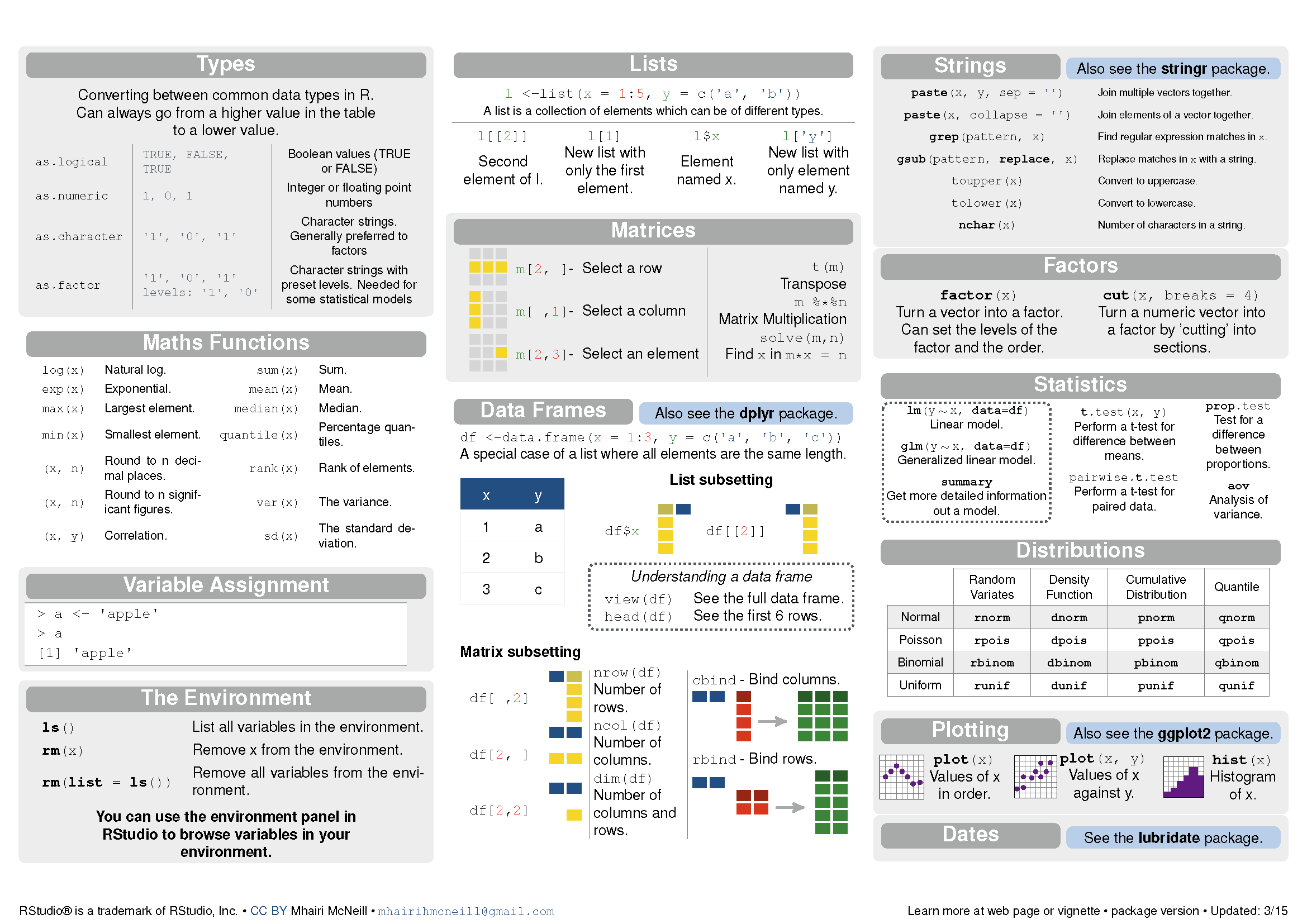
<- or = or even ->c():double with the class as numericThere are four primary types of atomic vectors: logical, integer, double and character.
TRUE is 1 andFALSE is 0.as.numeric() tries to coerce input to numeric value.A factor in R is a special type of integer vector used typically to encode categorical variables.
str() to see the internal structure of an object in R.data.frame is a special type of a named list where each element of the vector is the same length.
tibble is a Tidyverse version of data.frame in R.data.frame, so all functions that work with data.frame objects will also work with tibble objects.A vector can be subsetted using integers in [].
Logical vectors in [] select elements where logical value is TRUE.
Character vectors select elements based on the name of the vector (if any):
Lists can be subsetted using integers in [] or names with $ or [[ ]].
A data.frame can be subsetted using integers in [ , ] or names with $ or [[ ]].
NA in R denotes missing values – there are in fact different types of missing values (NA_character_, NA_integer_, NA_real_, NA_complex_, NA_Date_, NA_POSIXct_).NA and may need to be handled specially.


library(tidyverse) is a shorthand for loading the 9 core tidyverse packages: ggplot2, dplyr, tidyr, readr, tibble, purrr, stringr, forcats, lubridate.dplyr is a core package in tidyversedplyr provides a more consistent and user-friendly interface for data manipulation tasks.dplyr (first on CRAN in 2014-01-29) was implemented in plyr (first on CRAN in 2008-10-08).dplyr has been evolving but dplyr v1.0.0 was released on CRAN in 2020-05-29 suggesting that functions in dplyr are maturing and thus the user interface is unlikely to change.
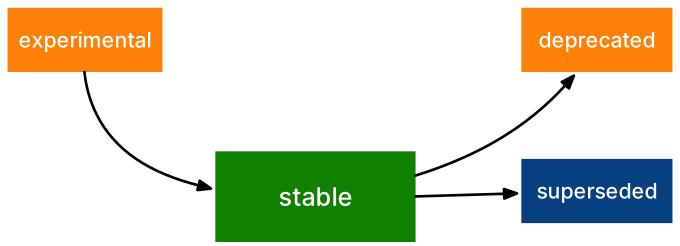
tidyverse packages often are labelled with a badge like on the leftLionel Henry (2020). lifecycle: Manage the Life Cycle of your Package Functions. R package version 0.2.0.
dplyr “verbs”dplyr include:arrangeselectmutaterenamefiltersummarisedplyr generally have the form:verb(data, args)
data is a data.frame object.tips data from GGally package to illustrate some of the dplyr functions.tidyverse packages use the pipe operator %>% from the magrittr package.|> which is similar to %>% but with some differences.x |> f(y) is the same as f(x, y).x |> f(y) |> g(z) is the same as g(f(x, y), z).tidyselect package for column selection.tidyselect can be found in the documentation:tibble objectstibble is a modern reimagining of the data.frame object.What’s the difference between these?
What is happening here?
See also filter_out() for filtering out rows by condition for dplyr v1.2.0 or greater.
mutate().ifelse() or case_when().Also see recode_values(), replace_values(), and replace_when() for dplyr v1.2.0 or greater.
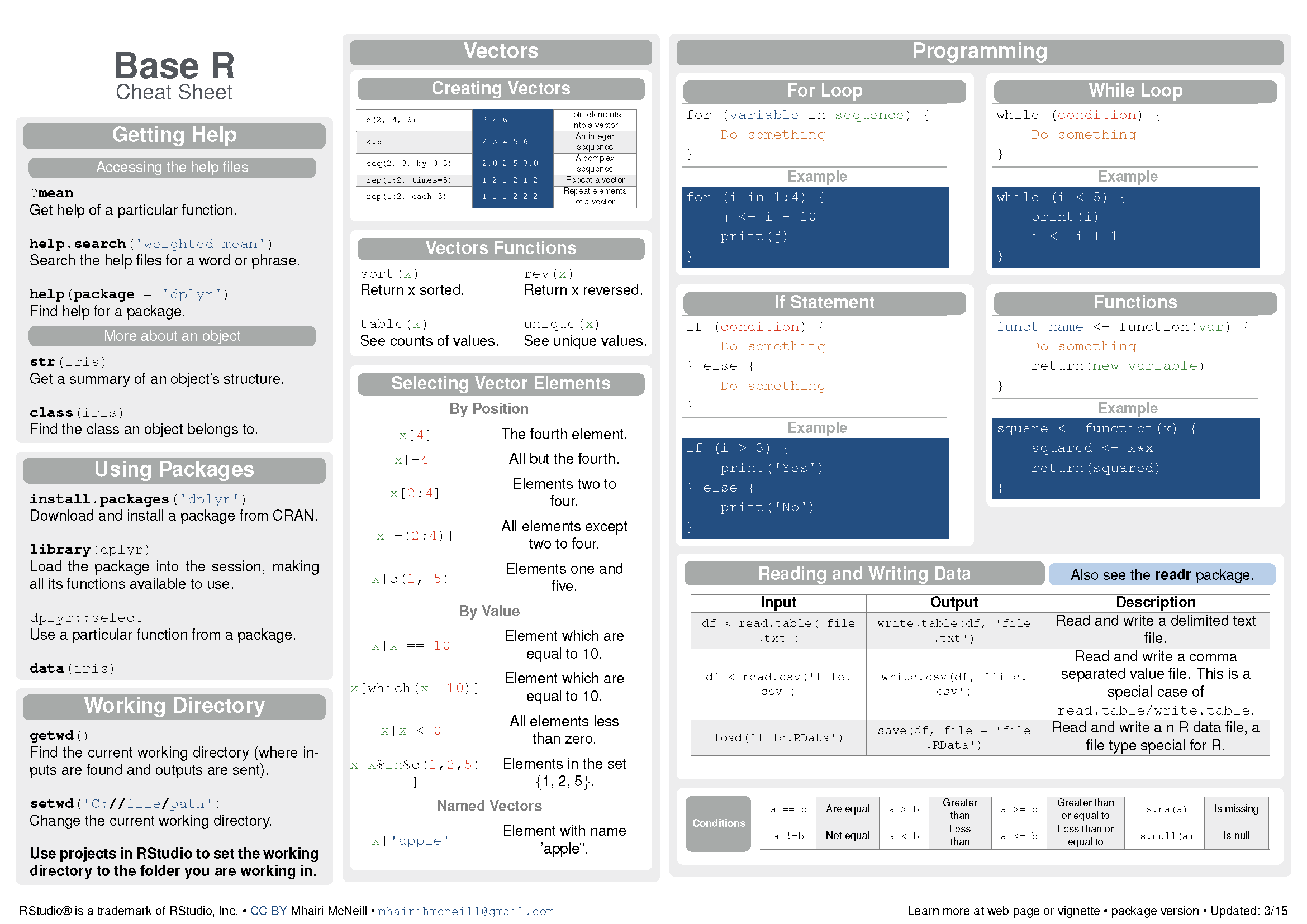
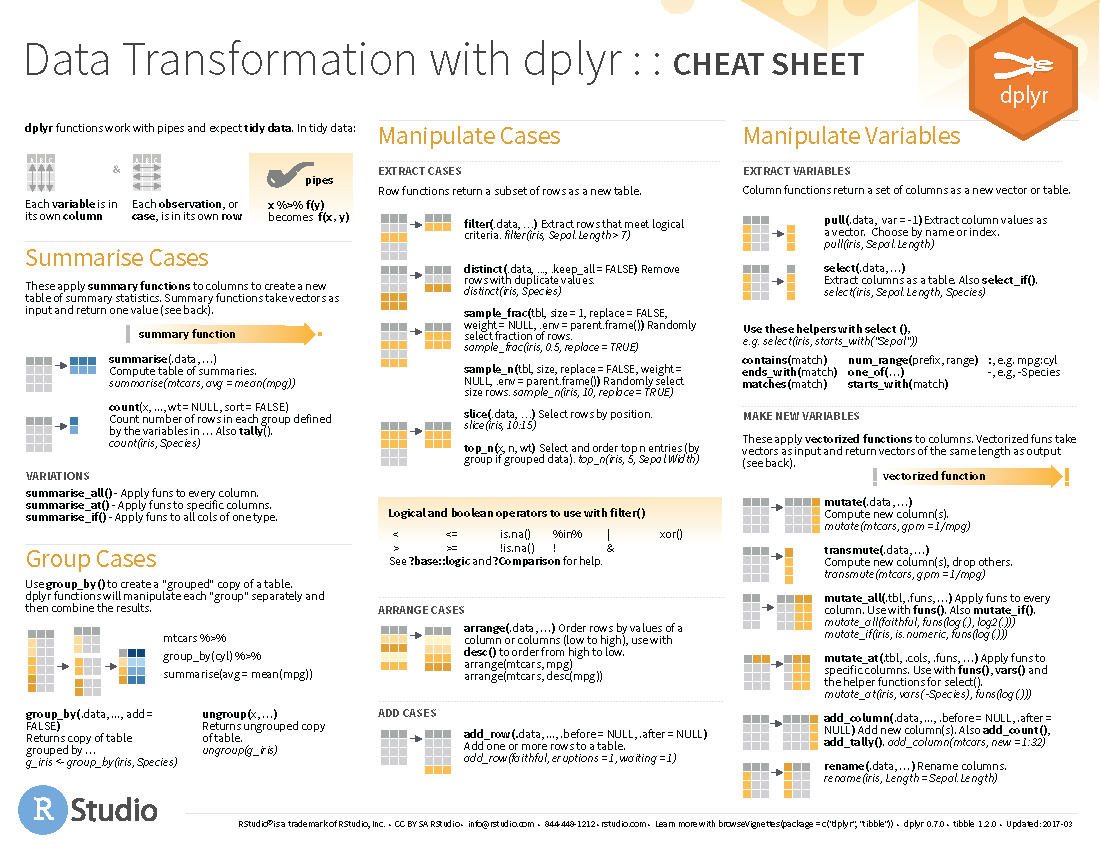
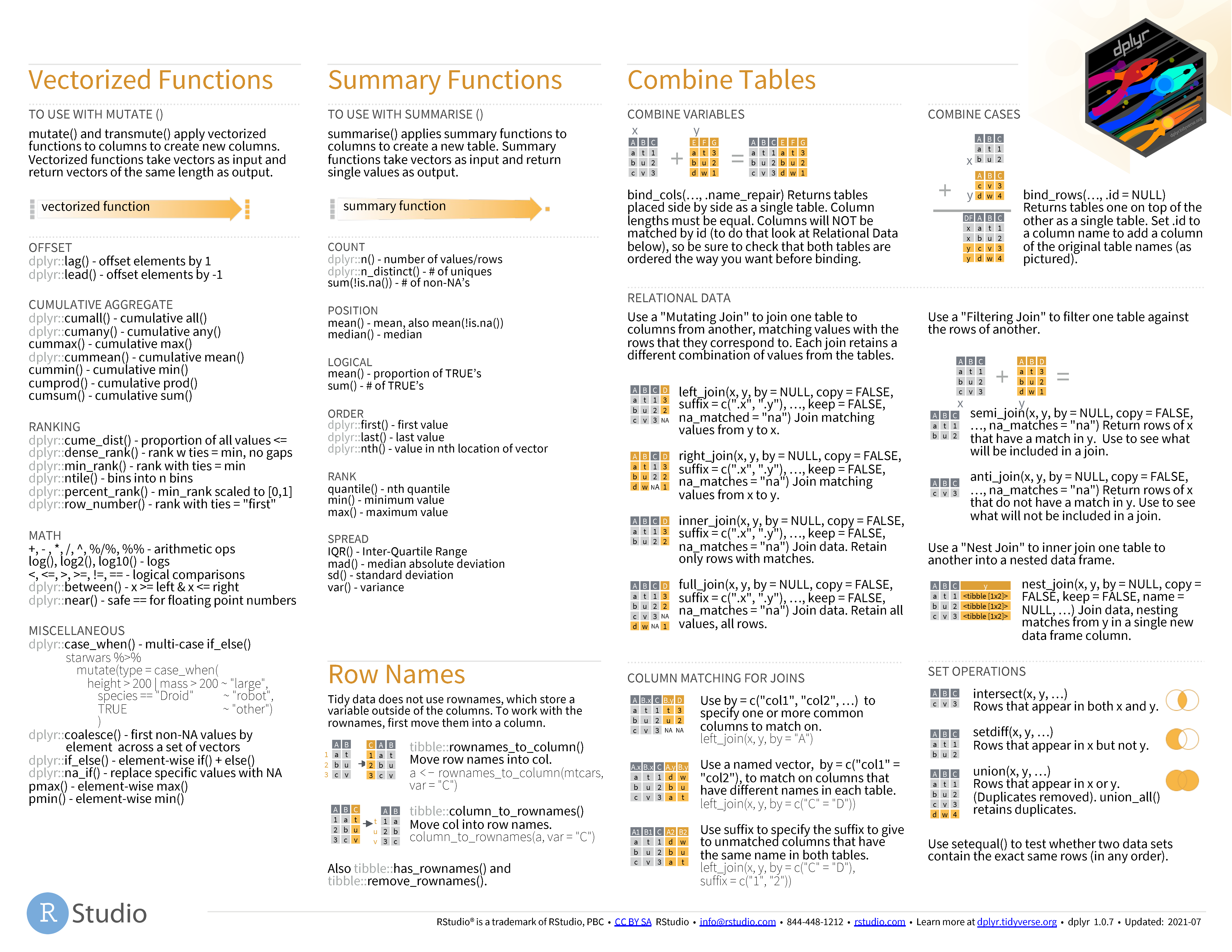
select() along with everything() to reorder columns.relocate() to move columns around.summarise() function allows you to calculate statistical summaries by group.n() function is a special function that counts the number of observations in each group.by for group operations.across() function allows you to apply functions to multiple columns.dplyr provides a grammar of data manipulation.dplyr are verbs that take a data.frame (or tibble) as the first argument.dplyr cheatsheet

If you encounter an error,
reprex LIVE DEMO
STAT1003 – Statistical Techniques